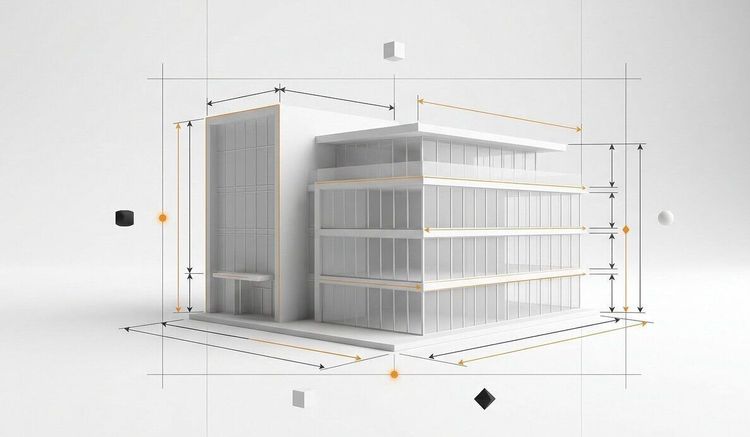


3D graphics is a field that has completely transformed the world of digital creation.
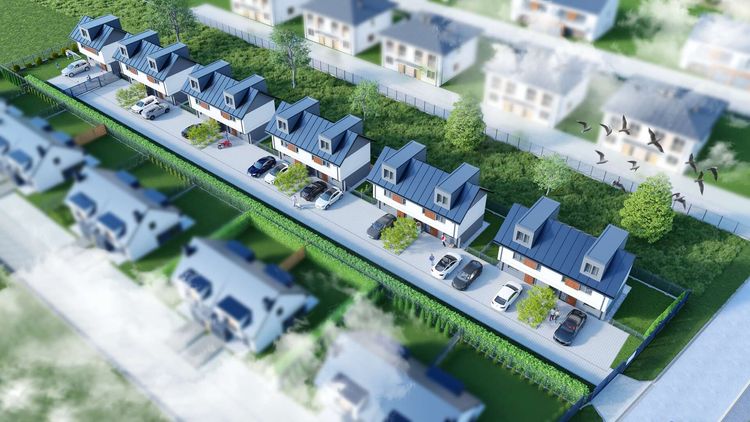
From special effects in films to architectural visualizations and product design – 3D allows artists and engineers to represent reality (and fiction) in a realistic and engaging way. This guide will walk you through the most important software, applications, processes, and current trends.
Sources:
VH-Info – Top 8 3D Design Software 2024
Spidersweb – The Witcher 3: Wild Hunt – Behind the Scenes
Publishing School – Examples of 3D Graphics Applications
Rend.Pro – 3D Visualization Blog
What is 3D graphics?

3D graphics is the digital creation of models, scenes, and animations in three-dimensional space. It includes object modeling, texturing, lighting, animation, and rendering (the creation of the final image or animation).
Most Popular 3D Graphics Software
Blender
Free and open-source all-in-one program.
Ideal for beginners and professionals.
Supports modeling, sculpting, animation, simulations, and rendering.
Includes rendering engines: Cycles and Eevee.
Autodesk Maya
Professional tool, a standard in the film and animation industry.
Advanced animation, rigging, simulations, and rendering (Arnold).
Used by film studios and AAA game developers.
Autodesk 3ds Max
Powerful tool for modeling and visualization.
Popular in architecture and game design.
Supports V-Ray and Arnold as rendering engines.
Cinema 4D
Simple and intuitive interface.
Ideal for motion design, advertising animation, and TV projects.
Includes Physical Renderer and Redshift engines.
ZBrush
Specialized tool for 3D sculpting.
Used in character creation, creatures, and detailed objects.
Works well with other programs like Blender or Maya.
Other noteworthy tools
- Houdini – advanced VFX and procedural modeling
- Unity / Unreal Engine – game engines, VR/AR, virtual planning
- AutoCAD, SolidWorks, Revit – engineering and architectural design
- Substance Painter / Mari – texturing and PBR materials
- V-Ray, Arnold, Redshift, Octane – photorealistic rendering
How to Choose the Right Tool?
| Program | Best for... | License | Difficulty |
|---|---|---|---|
| Blender | All-in-one, free projects | Free | Medium |
| Maya | Film animations, rigging | Paid | High |
| 3ds Max | Visualizations, game environments | Paid | Medium |
| Cinema 4D | Motion design, advertising | Paid | Low |
| ZBrush | Characters, details, sculpting | Paid | Medium |
In practice, professionals often combine several tools. Example workflow:
ZBrush for sculpting → Blender/Maya for animation → Substance Painter for texturing → Unreal/V-Ray for rendering.
Applications of 3D Graphics
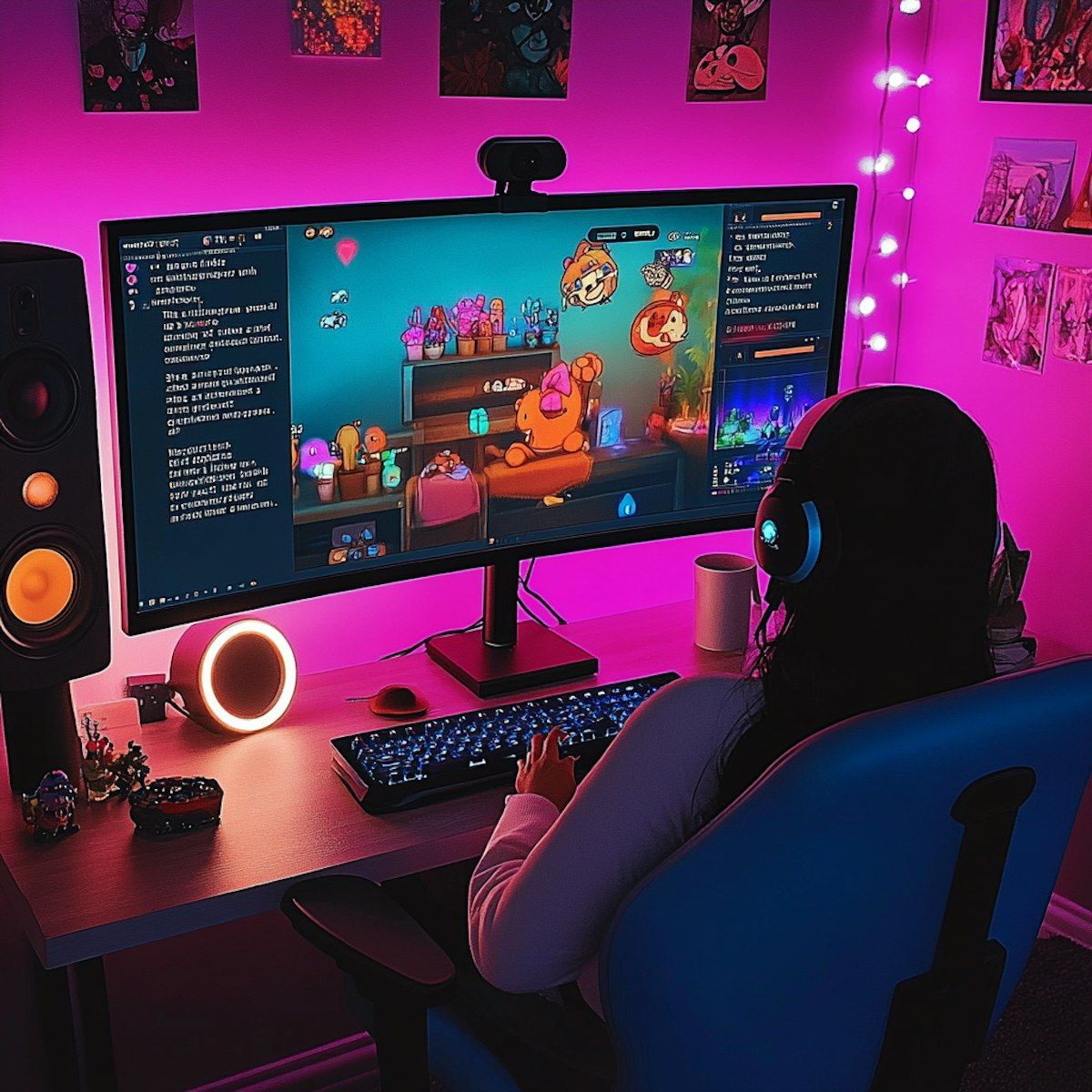
Video Games
Character, environment, and animation creation.
Engines like Unreal Engine and Unity allow real-time rendering.
Ray tracing, motion capture, and physics are standards in AAA game production.
Movies and Animation
Special effects (VFX), character animation, and digital scenery.
The production pipeline includes modeling, rigging, animation, rendering, and compositing.
Virtual production using LED walls and 3D engines is a new trend in Hollywood.
Product Design and Industry
CAD modeling, prototyping, analysis, and 3D printing.
Architectural and marketing visualizations.
Augmented reality (AR) and digital twins.
Workflow – What Does the Production Process Look Like?
- Concept – sketches and assumptions.
- Modeling – creating 3D shapes.
- Texturing and materials – giving surfaces their appearance.
- Rigging and animation – making characters move.
- Lighting and rendering – preparing final images.
- Compositing and post-production – combining shots and adding effects.
Trends and the Future of 3D Graphics

- Greater role of AI in automation (e.g., textures, upscaling).
- Real-time rendering is matching offline quality.
- Expansion of VR/AR in e-commerce, architecture, and training.
- Cloud integration – designing and rendering in online environments.
Summary
3D graphics is a rapidly evolving field offering endless creative and technological possibilities. Whether you're a designer, game developer, filmmaker, or engineer – mastering the basics of 3D graphics can significantly expand your professional opportunities.
Frequently Asked Questions (FAQ)
1. What is 3D graphics?
It’s a computer technique for creating three-dimensional models, scenes, and animations.