


From the First Wireframe “Boeing Man” to Photorealistic Real-Time Worlds – 3D graphics have come a long way.
The following guide will show you how we got to today's standards, where 3D visualization is used, and what technologies power what you see on screen.
Sources
- Timeline of Computer Animation – Wikipedia.org
- 3D Graphics – Wikipedia.org
- Computer-Generated Imagery – Wikipedia
- “3D Visualizations: An Overview of Architectural Visualization Software” – Architektura-Murator
- Rend.pro Blog – “3D Visualizations for Architects – 5 Benefits”
- Documentation: Autodesk (AutoCAD, 3ds Max, Maya), Chaos (V-Ray, Corona), Epic Games (Unreal Engine)
- Articles and White Papers by NVIDIA (GeForce 256, RTX, Omniverse)
See examples of 3D visualization projects
See how similar solutions looked in real REND.PRO projects.


What is 3D Visualization? – Definition

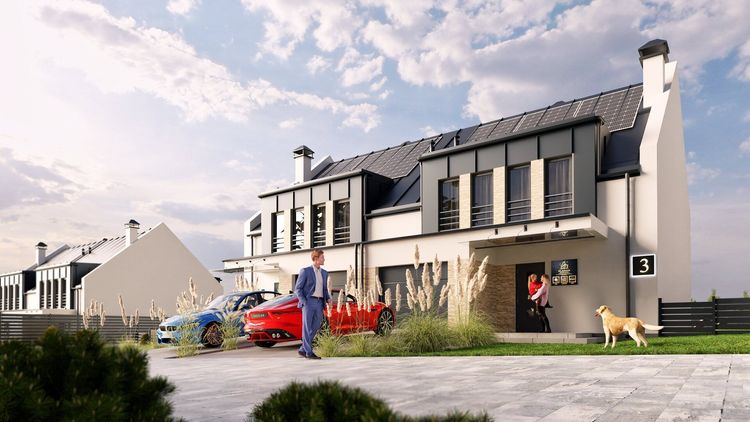
3D Visualization – a computer technique for creating three-dimensional images and animations representing real or planned objects, spaces, and environments. Widely used in architecture, urban planning, construction, real estate marketing, and also in the entertainment, automotive, and medical industries. It enables realistic representation of projects before physical implementation.
Applications of 3D Visualization
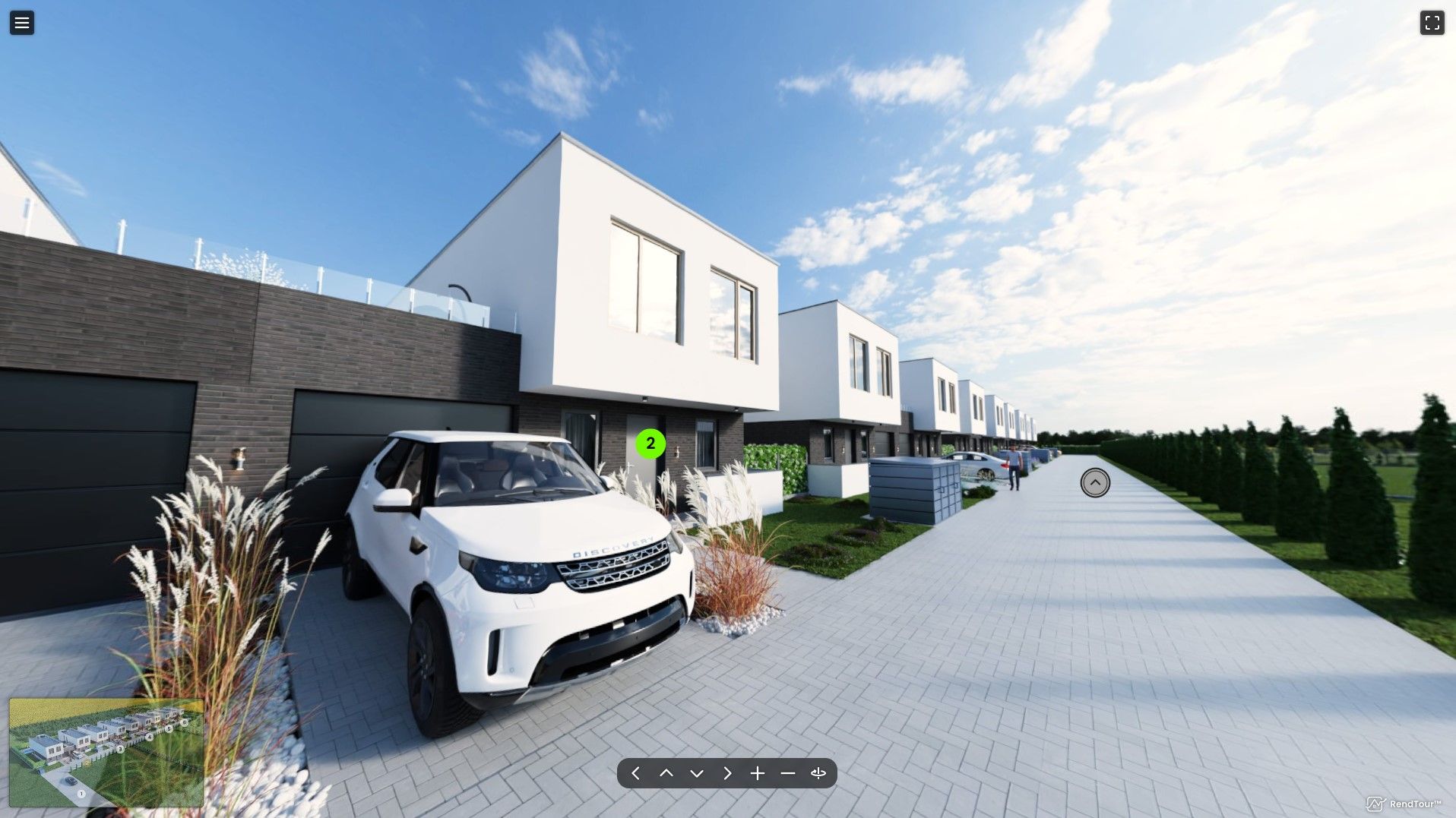
3D visualizations are used across many industries:
- Construction and architecture – for presenting designs of buildings, interiors, residential complexes.
- Real estate marketing – for promoting property investments before construction is complete.
- Urban planning – for presenting land use concepts.
- Film and gaming industry – for creating realistic digital environments.
- Medicine – for visualizing anatomical structures and surgical procedures.
- Automotive – for presenting vehicle models and aerodynamic testing.
3D Visualizations in the Real Estate Industry
Advantages
1. Realistic Presentation of the Investment
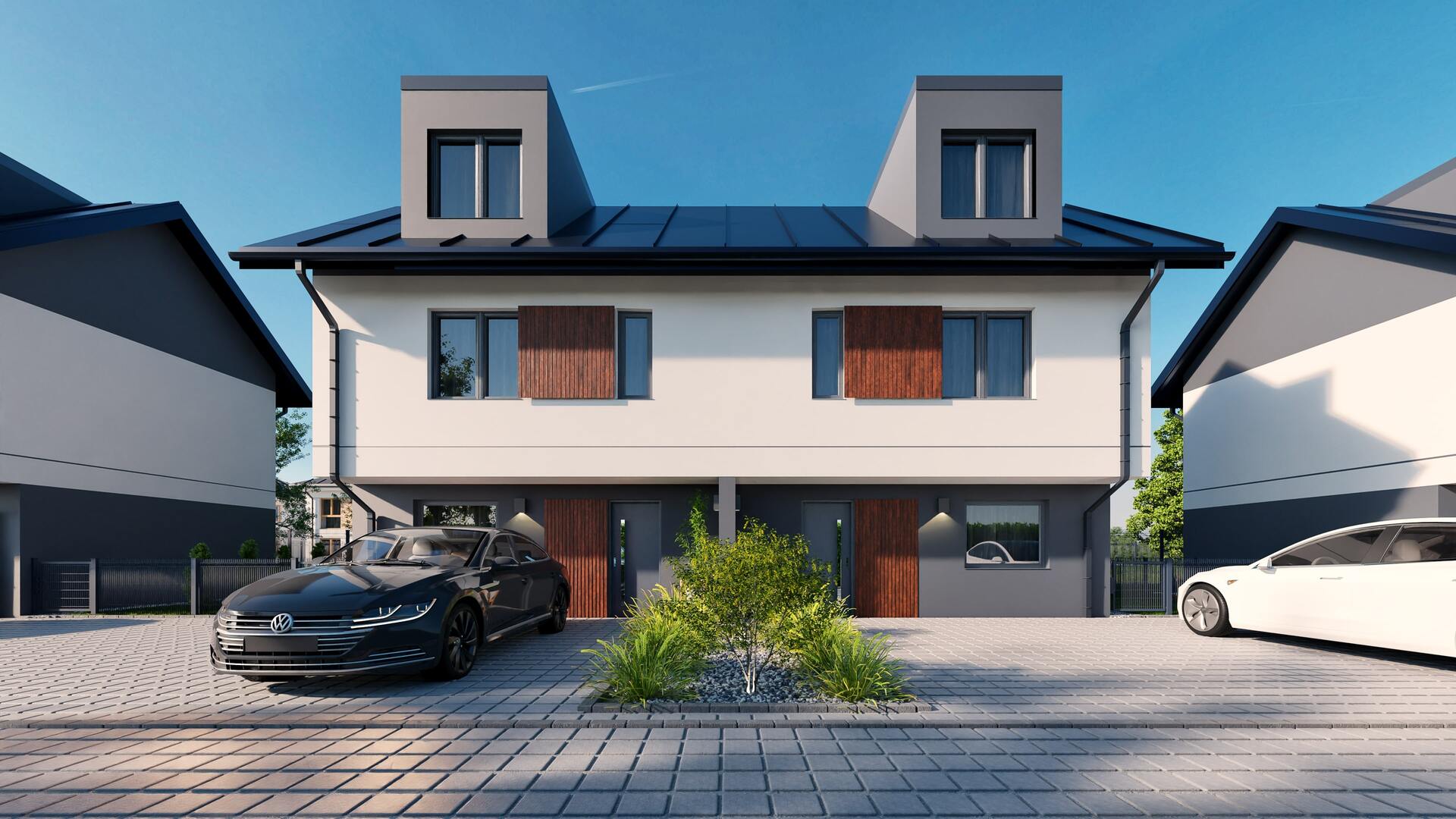
3D visualizations allow clients to see every detail – from the shape of the facade and the layout of rooms to the interior lighting and surroundings. As a result, a virtual tour or high-resolution render builds full trust in the project, reducing the number of questions and doubts.
2. Shortening the Sales Cycle
Instead of waiting for the construction site to be completed, investors and clients can “enter” a finished apartment or office already at the design stage. The transparency of the offer significantly accelerates the decision to buy or rent.
3. Flexibility and Savings
Making changes in a 3D project is fast and much cheaper than corrections on the construction site. The ability to easily modify colors, furniture, or architectural details helps better tailor the investment to market expectations.
4. Standing Out From the Competition
Professional visualizations are a marketing asset – they make a project stand out in catalogs, on the website, or in sales materials. It’s not just an image; it’s a promise of quality.
Applications of 3D Visualizations in the Real Estate Industry
1. Presentations for Investors
Detailed renders and animations make it easier to convince business partners and secure funding.
2. Sales Materials and Online Campaigns
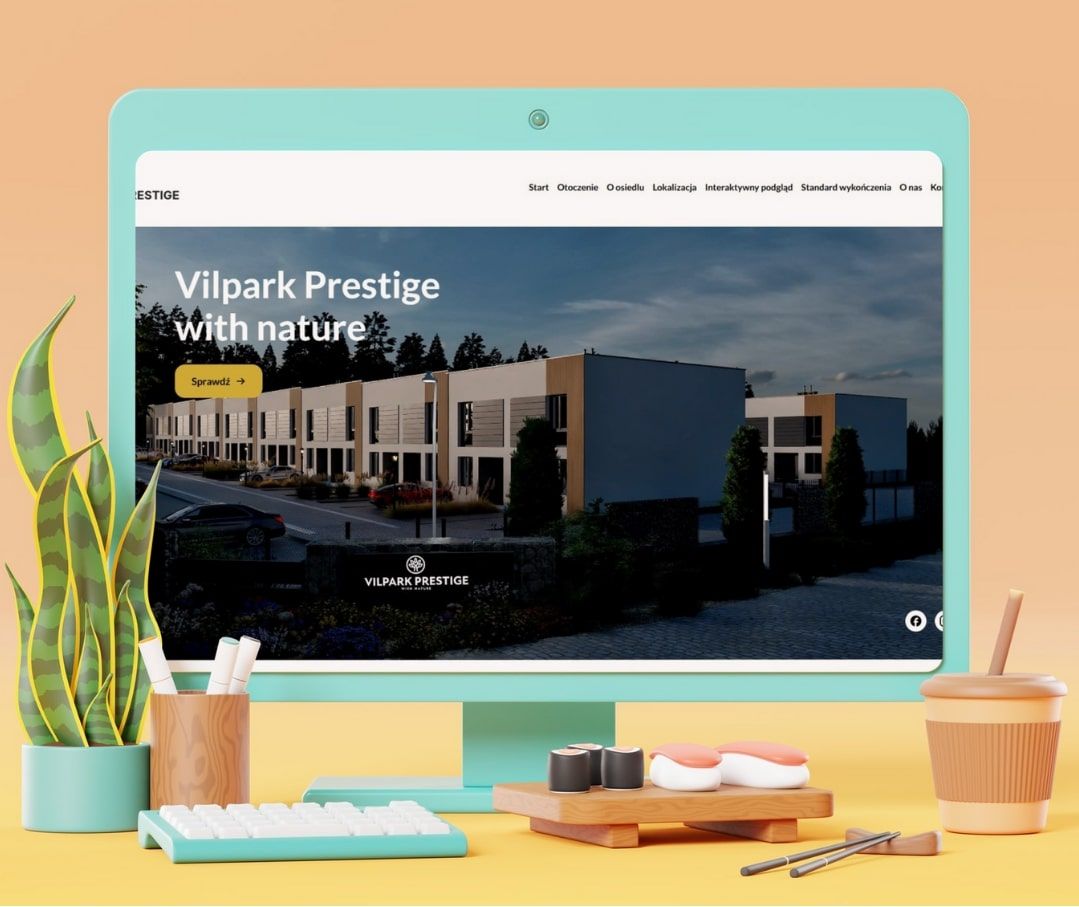
Interactive 3D walkthroughs or video presentations increase user engagement on social media and landing pages.
3. Architectural Visualizations
Both 3D mock-ups of buildings and their surroundings (greenery, infrastructure) help fully understand the urban context.
4. Home Staging in Virtual Reality
Allows potential buyers or tenants to “arrange” furniture, change finishes or lighting, which leads to faster transactions.
Take Advantage of RendPro 3D Visualization Services
If you want your property investment to gain a competitive edge, entrust it to experts in comprehensive real estate marketing.
RendPro provides:
– Photorealistic visualizations and 3D Animation walkthroughs,
– Professional animations and video materials,
– Full support in creating catalogs, websites, and online advertising campaigns.
With us, your offer becomes more than just a paper project – it turns into an immersive, engaging story – from the first render to the final transaction.
Contact Rendpro today and discover how 3D can transform your business!
1. Introduction – Why is 3D Everywhere Today?

Realism. Global illumination and ray tracing make renders indistinguishable from photographs.
Speed. Virtual LED stages respond to camera movement in real-time.
Savings. Moving a wall in a BIM project takes a second – on-site it would cost thousands.
Immersion. VR allows you to literally enter an unbuilt structure.
Collaboration. Cloud-based data exchange systems (glTF, USD) connect architects, filmmakers, and engineers.
The key: 3D visualization is not a "pretty picture" but a universal language for design, sales, and storytelling.
2. History of 3D Visualization – From Wireframe Models to Photorealism

1960s–70s: Pioneers
| Year | Event | Meaning |
|---|---|---|
| 1963 | Ivan Sutherland – Sketchpad | first interactive CAD program |
| 1964 | William Fetter – Boeing Man | start of human model animation |
| 1971 | Edwin Catmull – A Computer Animated Hand | first scanned and animated hand |
| 1973 | Film Westworld | debut of CGI in cinema |
Hardware: large mainframes, CRT screens, no graphics acceleration.
Style: wireframe visuals, rasterized 2D bitmaps.
1980s: Cinema and Desktops
Tron (1982): 15 minutes of pure CGI
AutoCAD (1984): mass-market CAD; adds 3D a few years later
Silicon Graphics: workstations raised the bar (OpenGL, IRIX)
Young Sherlock Holmes (1985): first fully digital humanoid
The Abyss (1989): ILM’s water tentacle, Oscar-winning effects
1990s: Mainstream, GPUs, Gaming Boom
Terminator 2 (1991): liquid metal T-1000
Jurassic Park (1993): photorealistic dinosaurs
Toy Story (1995): first full 3D animated feature
3Dfx Voodoo (1996), NVIDIA GeForce 256 (1999): consumer GPUs
Quake, Unreal: 30 FPS rasterization on PCs
2000–2010: Motion Capture, BIM, CGI Expansion
| Year | Turning point | Comment |
|---|---|---|
| 2001-03 | Gollum in The Lord of the Rings | performance capture + face animation |
| 2002 | Chaos V-Ray | global illumination for all |
| 2009 | Avatar | virtual production, photoreal mocap |
| 2002- | BIM in architecture | parametric building models |
2010–2025: Ray Tracing, VR/AR, AI
Unreal Engine 4 (2012): film-level visuals in games
Oculus Rift / HTC Vive (2016): VR hits homes and offices
NVIDIA RTX (2018): real-time ray tracing hardware
LED-stage (The Mandalorian, 2019): in-camera rendering
AI (OptiX denoisers, generative textures, Luma AI, Sora 2024): prompt-based 3D models and films
3. Applications of 3D Visualization v2
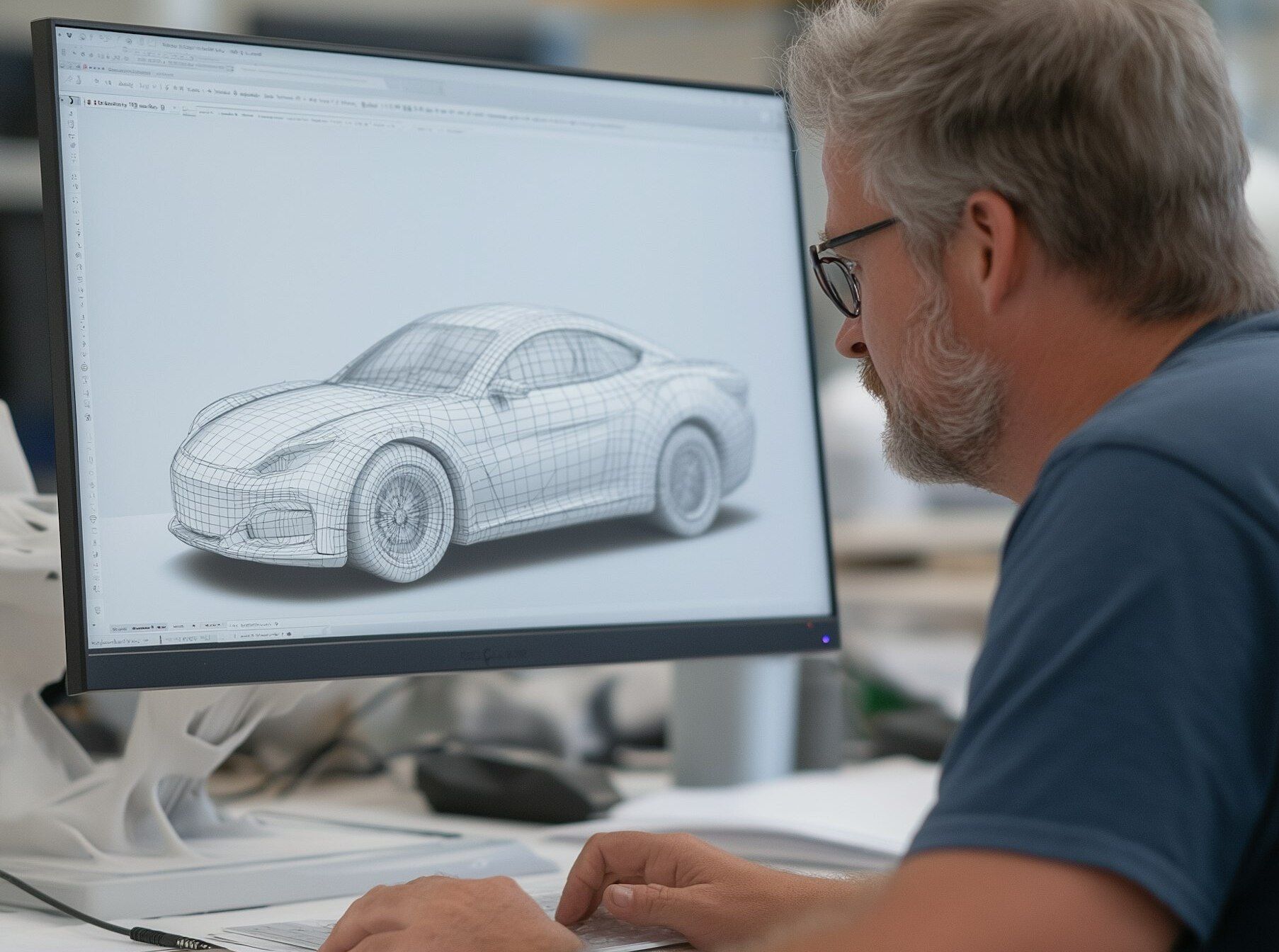
3.1. Film Industry
| Scope | Example | Benefit |
|---|---|---|
| VFX Effects | Avengers, Avatar 2 | creating unreal worlds and characters |
| Pre-visualization | 3D storyboards | planning camera and stunts |
| Virtual Production | The Mandalorian | reduced location costs, realistic lighting |
| Full-length Animation | Pixar, DreamWorks | entire stories without physical cameras |
3.2. Architecture and Real Estate
BIM – a shared truth for all stakeholders
Photorealistic renders – marketing and permit approvals
Virtual walkthroughs – clients “enter” homes via VR
City models – urban planning, light/noise/traffic simulations
3.3. Gaming, VR and AR
Unreal/Unity engines = photoreal at 120 FPS
Digital twins – factory replicas for VR safety training
AR in e-commerce – try on furniture, glasses, makeup
3.4. Industry, Medicine, Marketing
CFD/FEA simulations with visualized results
3D printing – STL models go directly from CAD to printer
XR service instructions – holograms show which screw to unscrew
4. 3D Visualization Pipeline
A “pipeline” is a sequence of stages that a project goes through – from sketch to final video or app.
4.1. Concept and References
Moodboard, material research, color palette, lighting style
4.2. Modeling
Hard-surface: 3ds Max, SketchUp, Revit
Organic: ZBrush, Blender-Sculpt
Procedural: Houdini, CityEngine
4.3. Texturing and PBR Materials
UV-unwrapping → Substance Painter/Designer
Maps: Albedo, Roughness, Normal, Height, Metallicity, Emission
Material libraries: Quixel Megascans, PolyHaven
4.4. Lighting
Physical lights (IES) + HDRI
Global Illumination (Brute-force, Photon Map, Light Cache, Path Tracing)
Style: golden hour vs studio 3-point lighting
4.5. Rendering
Offline: V-Ray, Arnold, Corona → hours per frame, cinematic realism
Real-time: Unreal, Unity → rasterization + RTGI, DLSS/FSR
Hybrid: Redshift, Octane → GPU-accelerated path tracing
4.6. Post-production
Compositing (Nuke, After Effects): passes, keying, lens flare
Color grading (DaVinci Resolve, ACES pipeline)
Final delivery: PNG/TIFF (images), EXR (16–32 bit float), ProRes/EXR sequence (film)
5. Tools and File Formats
| Category | Most Popular | Use |
|---|---|---|
| DCC (Digital Content Creation) | 3ds Max, Maya, Blender, Cinema 4D | Modeling, animation, shading |
| CAD/BIM | Revit, Archicad, SolidWorks | Precision solids, technical documentation |
| Game Engines | Unreal Engine, Unity | Real-time rendering, VR/AR, virtual stages |
| Renderers | V-Ray, Corona, Arnold, Redshift, Octane | Offline/GPU photorealism |
| Texturing | Substance Painter/Designer, Mari | PBR materials and UDIM |
| Compositing | Nuke, After Effects | Layer compositing, 2D VFX |
| File formats | .OBJ, .FBX, .glTF/.GLB, .USD/USDZ, .ABC | Data exchange between software |
6. Hardware – Workstation or Render Farm?
CPU: more cores = faster path tracing in Arnold
GPU: RT and Tensor cores, high VRAM (12–24 GB) → Octane, Redshift, VR
RAM: 64 GB is not a luxury for scenes with forests and photogrammetry
NVMe drives: faster loading for Megascans and Quixel assets (>3 GB/s bandwidth)
Render farms:
Local cluster (e.g., 10 × Threadripper) – full control
Cloud rendering (RebusFarm, AWS Thinkbox) – pay as you go
7. Trends and Future of 3D Visualization
| Trend | What It Changes | On the Horizon |
|---|---|---|
| AI-assisted 3D | Denoising, geometry and texture generation from prompts | 3D models “on demand” from text |
| Real-time ray tracing | Cinematic look in game engines | 240 FPS with full path-tracing on RTX 60XX? |
| Metaverse / MR | Persistent interactive models in physical space | Lightweight, pocket-fit AR glasses |
| Web-GPU & glTF | Photorealism in-browser without plug-ins | 4K/60 FPS product configurators online |
8. Summary
In 1964, the Boeing Man moved on a mainframe screen;
In 2026, an engineer wearing AR glasses views a full-scale skyscraper that reacts dynamically to design changes.
3D Visualization:
- Combines art and engineering – you need aesthetic sensitivity and technical knowledge
- Reduces risk and cost – errors are caught in files, not on set or construction site
- Sells – photoreal images trigger client emotions faster than spreadsheets
- Educates and entertains – VR, AR, and games offer experiential learning
Conclusion: In a digital-first world, 3D visualization is becoming a universal language. If you create, design, or simply love technology – understanding this language will open doors to a future where the line between real and virtual is increasingly blurred.
FAQ – Frequently Asked Questions About 3D Visualization
1. What is 3D visualization?
It's a digital technique for creating three-dimensional images that represent real or planned objects, spaces, and environments.