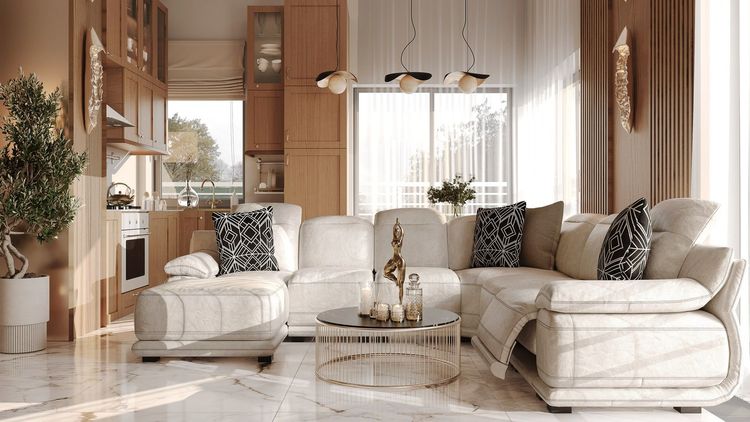
Let’s be honest.
Most websites for residential property investments just don’t do the job.
They load slowly. They look weird on a phone. You have to guess what to click. And the photos? Like they were taken with a calculator.
Meanwhile, a good website isn’t just a nice-to-have. It’s your most important sales tool.
It works 24/7. No salary. No complaints. No coffee needed.
It just has to be well designed.
What should your multifamily website do?
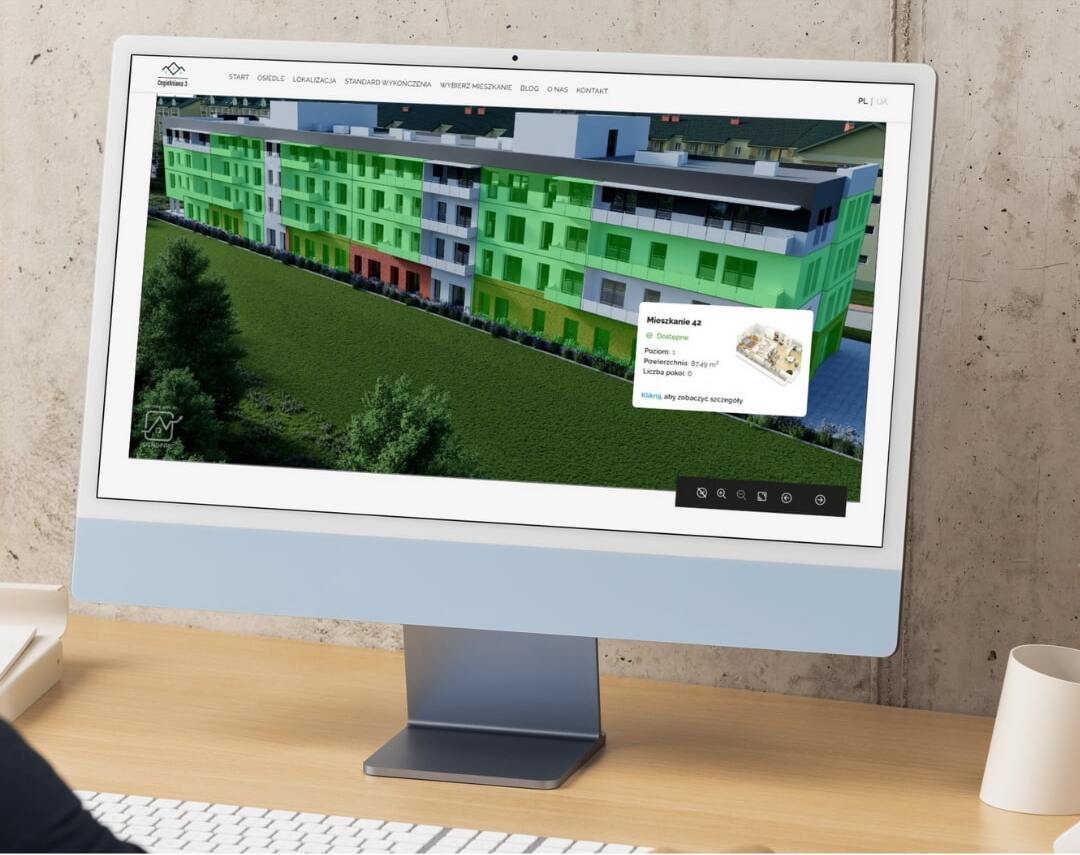
Only one thing: generate inquiries and rent apartments.
It doesn’t have to be pretty. It has to be effective.
Every button, every section, every headline — it all needs to guide the user to take action:
“Check availability,” “Schedule a visit,” “Apply online.”
1. It must work on mobile. No discussion.
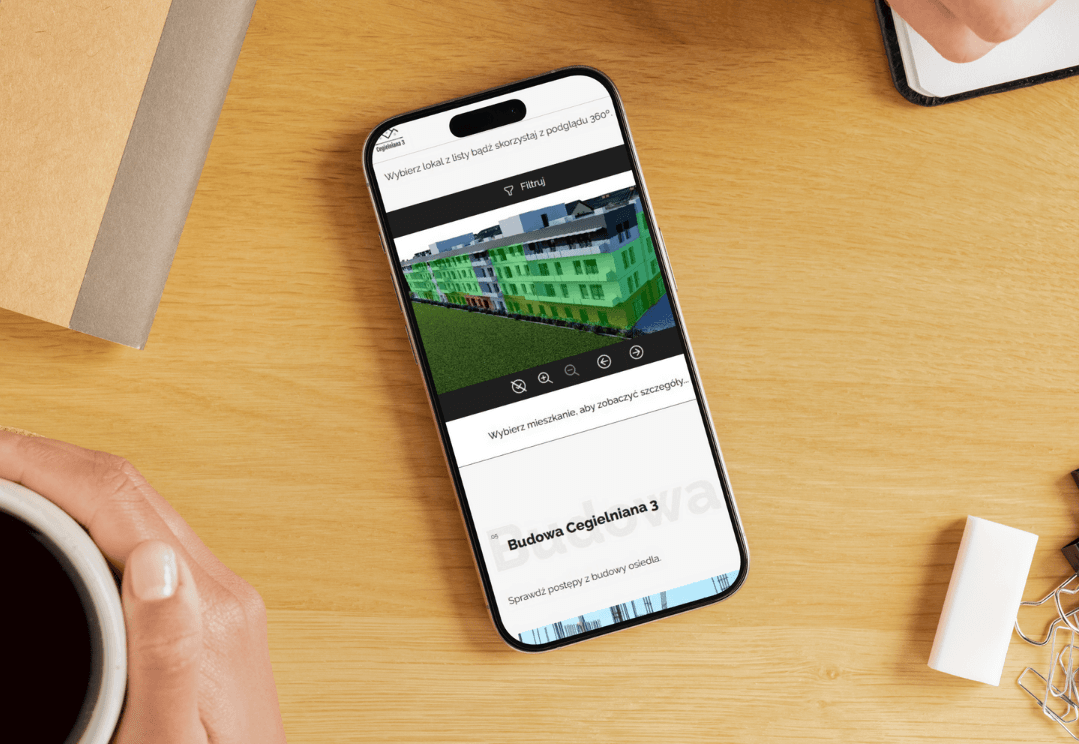
70–80% of traffic to real estate websites comes from mobile devices.
If your site doesn’t fly on a phone — it doesn’t exist.
Do this:
- Design mobile-first
- Test every screen on different devices
- Optimize speed (compress images, use fast hosting)
2. The rental process = zero friction
Don’t make anyone call.
Don’t make them send an email.
Don’t make them guess.
Your website should have:
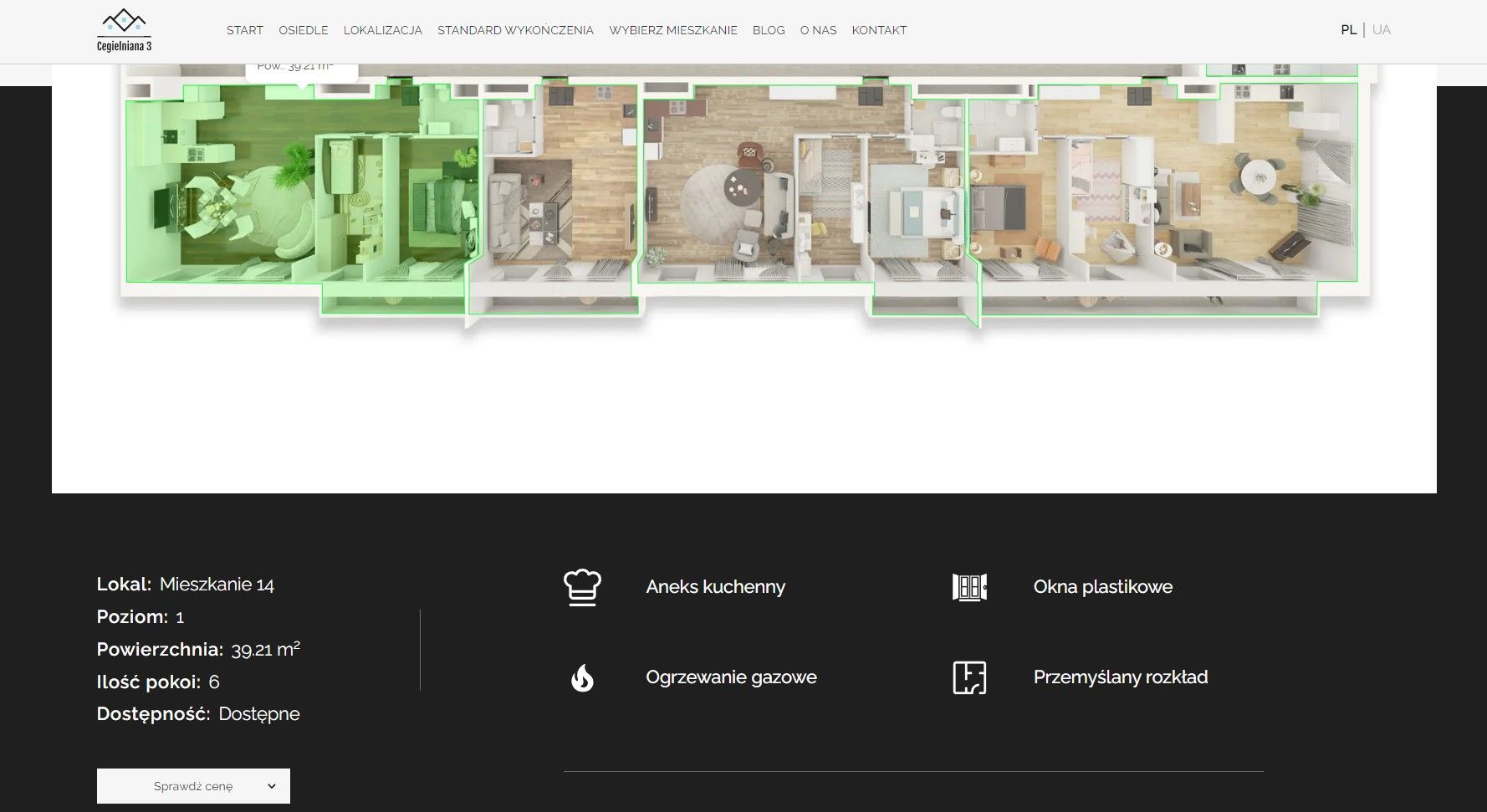
- Real-time apartment availability
- Interactive unit plans
- Online applications (with autofill)
- Virtual tours and videos
- A fast contact form or a chatbot
3. People rent emotions, not square footage
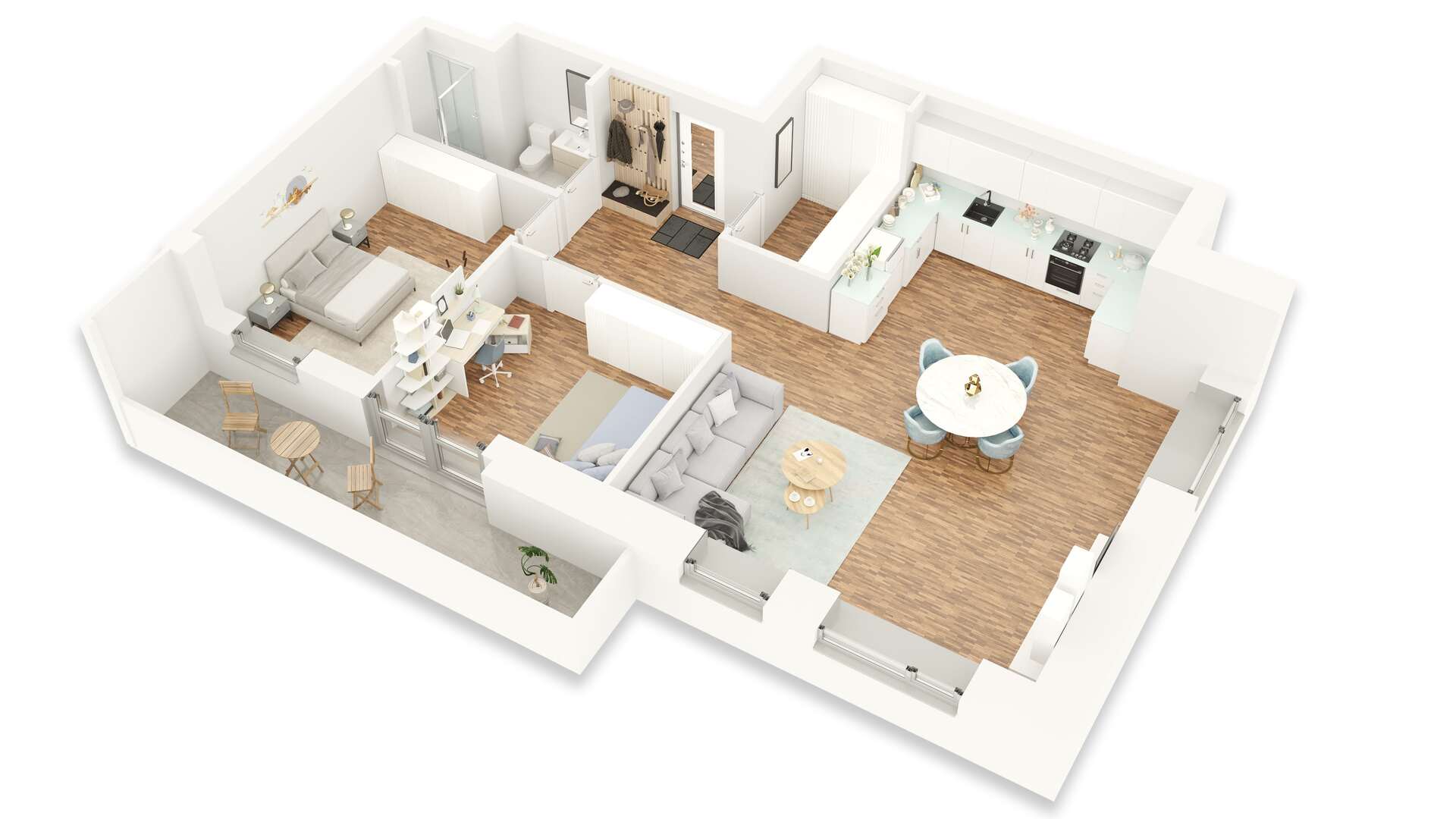
Your 500 sq ft doesn’t move anyone unless you show what it’s like to live there.
Add:
- Lifestyle photos (people, daily life, vibe)
- Location highlights – nearby shops, schools, restaurants
- Resident testimonials
- Short videos: a day in the life on the property
4. SEO for multifamily property websites – not just for geeks

A good site is one Google can see and rank. Otherwise, you're a ghost online.
Do this:
- Use phrases like “2-bedroom apartments Brooklyn”
- Only one H1 per page
- Well-described images (ALT tags)
- A blog with content like “How to choose a neighborhood in Chicago?”
- Fast loading = better ranking
5. Design that doesn’t get in the way
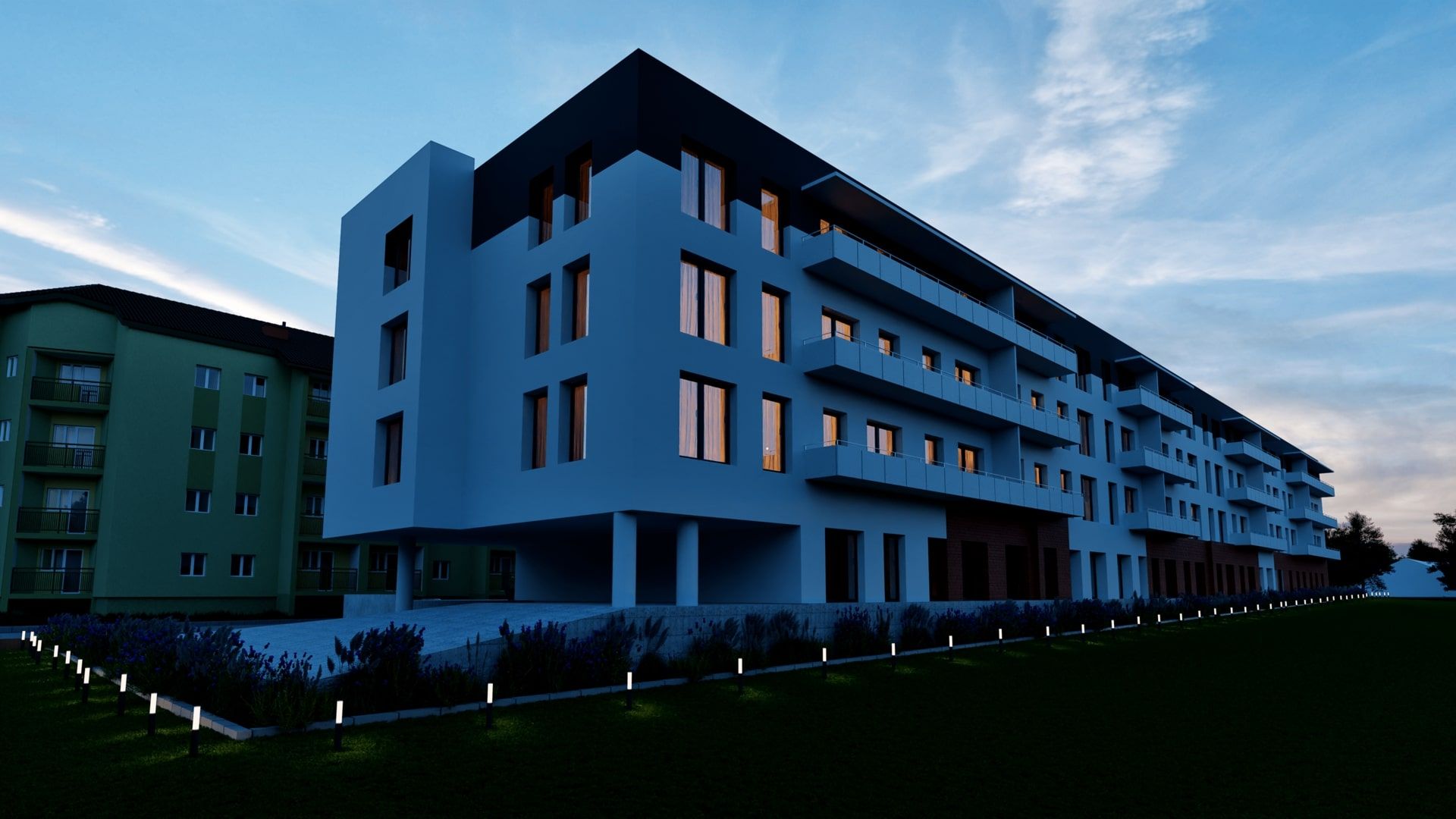
Don’t overdo it.
Your website should guide users step-by-step, not turn them into detectives.
What works:
- Large, clear headlines
- CTA button visible immediately
- Consistent color scheme
- Clear menu
- No chaos
Trends that never go out of style for multifamily property websites:
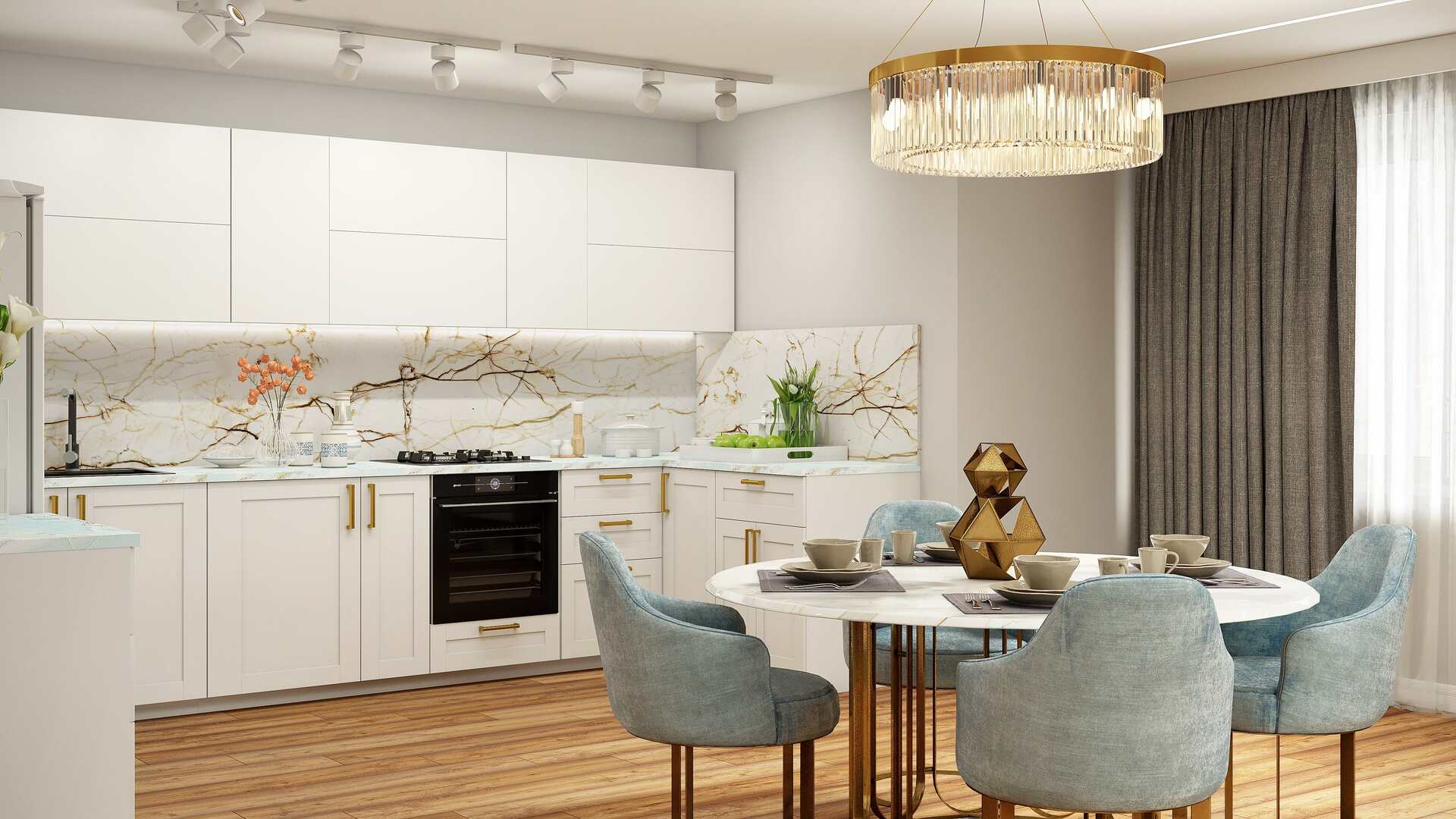
Dark mode – easier on the eyes, modern look
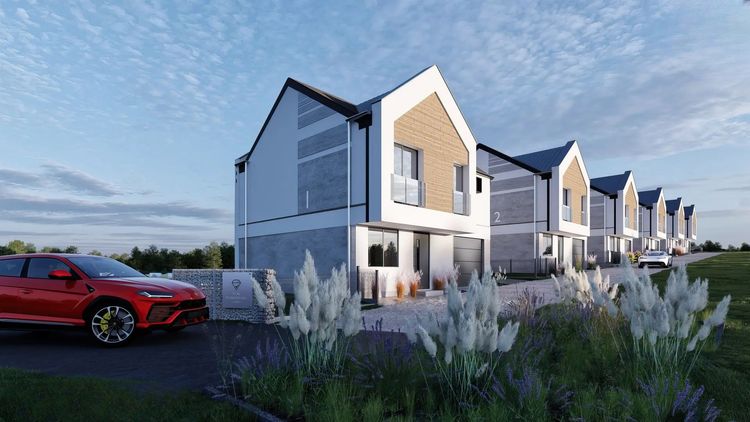
Nature + minimalism – wood, white, greenery
Interactive property map – parking, playgrounds, stores
Background video – instead of a boring slider
Summary
Websites for multifamily property investments aren’t just about looks.
They’re about sales, automation, first impressions, and… conversions.
Got a great project? Awesome. But if the website doesn’t match — you’re losing profit.
Need a website for your multifamily project?
Get in touch with RendPro at the bottom of the page!
FAQ – Frequently Asked Questions
1. How much does a website for a multifamily property cost?
Prices start around $5,000 for a simple design, and for advanced features (like CRM integration, virtual tours, online leasing systems), it can go up to $15,000 or more.
2. Is it worth investing in a mobile version?
Yes. Over 70% of users browse apartment listings on their phones. No mobile version = lost leads.
3. How long does it take to build a website?
Depending on the project scope – from 3 weeks to 3 months. It depends on the number of pages, level of customization, and integrations.
4. Can I build it myself with a builder like Wix?
You can, but it works better for small-scale investments. For larger communities and a professional image, it's better to hire an agency experienced in real estate.
5. What features should a multifamily property website have?
Must-haves: real-time availability, contact form, location map, interactive 3D floor plans, photo gallery, virtual tours, and online applications.
6. What affects conversions on the site?
Clarity, loading speed, visible CTAs, high-quality photos, resident testimonials, and mobile optimization. Everything that shortens the path from visit to inquiry.
7. What mistakes do real estate developers most often make?
No mobile version, too generic content, outdated photos, lack of leasing system integration, and invisible calls to action.
8. Does a blog on the property website make sense?
Yes, especially for SEO. Helpful articles improve rankings and attract traffic from search engines.
9. How do I integrate the site with a leasing system?
Ideally via an API provided by the system (e.g. Yardi, RealPage, Asari). This lets users check availability and apply directly on the site.
10. What does video add to a property website?
It boosts engagement and lowers bounce rate. Short films showing the property or resident lifestyle work better than static images.
11. What kind of photos should be on the website?
Professional, high-quality photos of interiors, common areas, surroundings, and daily life. Images should show emotions, not just walls.
12. How often should content on the site be updated?
At least quarterly. Prices, availability, and plans change, and updates to the blog and news sections build trust and SEO strength.
13. Should I add a “Resident Reviews” section?
Definitely. Testimonials build credibility and help potential renters decide faster.
14. What about GDPR and privacy policy?
Every site with a contact form must have a GDPR-compliant privacy policy and consent checkboxes for data collection.
15. How do I measure website performance?
Install Google Analytics and track: visits, time on site, CTA clicks, and form submissions. The insights help you optimize step-by-step.